Movie Maker

PC safety guide

Is movie maker safe for pc when the download is old?

The answer depends on which movie maker you mean and where you obtain it. The original Windows Movie Maker is discontinued, so an unfamiliar site offering an installer deserves careful scrutiny before you run anything on your PC.

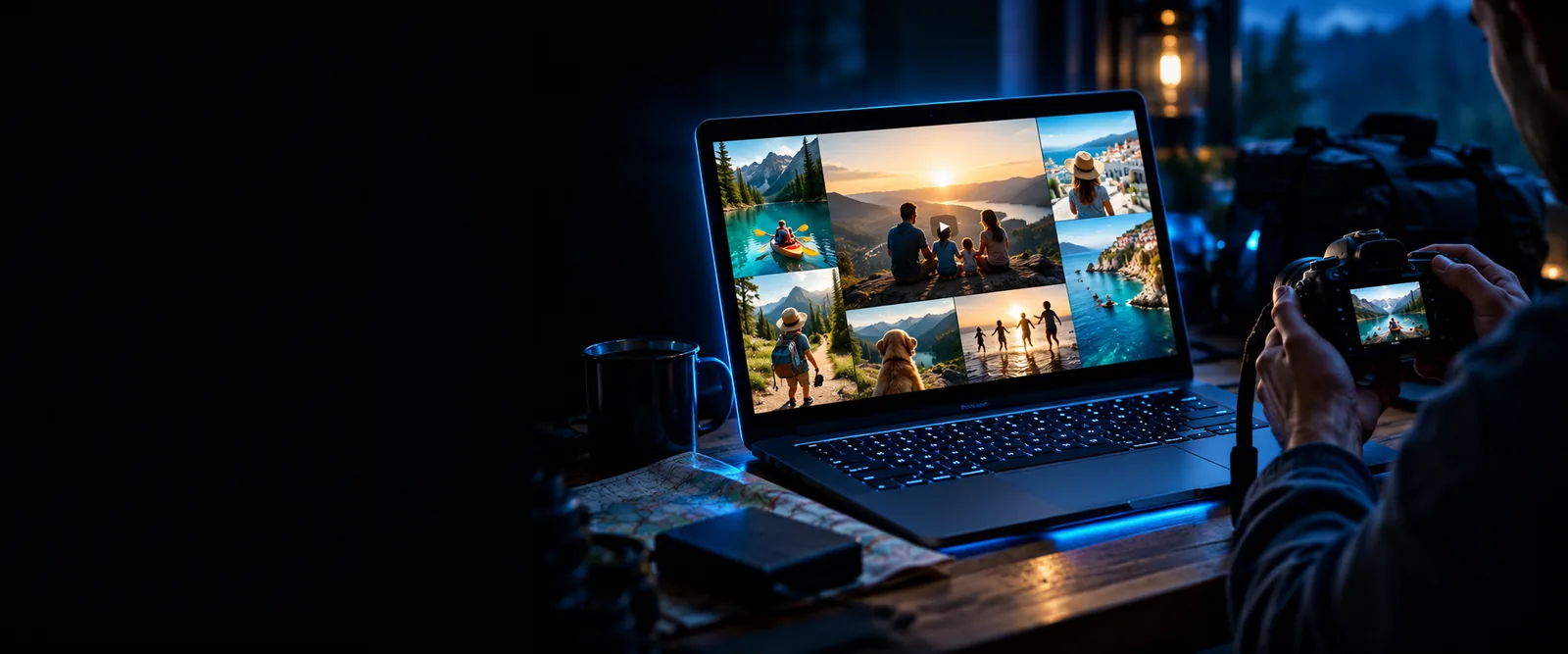
Movie Maker video creation imagery

Where the old approach falls short

  • An old name is not proof

    A file labeled Windows Movie Maker may have been repackaged by someone other than Microsoft. Its filename and familiar icon cannot establish who published it.

    WorkaroundIdentify the publisher and source before opening the installer; do not proceed if either is unclear.

  • A scan cannot guarantee safety

    Security software may miss a new threat or flag a harmless file. One scan result is evidence to consider, not permission to ignore other warning signs.

    WorkaroundKeep Windows Security updated and assess the source, signature and requested permissions together.

  • Discontinued software stays discontinued

    An installer that runs today does not restore ongoing maintenance or compatibility support for the original movie maker.

    WorkaroundFor new projects, consider a currently maintained editor from its official source.

Before you open an installer

Treat this as a decision checklist, not a claim that any particular download has passed inspection.

Required Optional
  • Confirm the download comes from the software publisher's official site or a trusted platform.

    Required
  • Check the displayed publisher and any digital-signature details before approving an installation.

    Required
  • Run an updated Windows Security scan and investigate warnings rather than dismissing them.

    Required
  • Review requested permissions and decline unrelated bundled software.

    Required
  • Back up footage you cannot replace before trying a new editor.

    Optional

How it is done today

The safer decision is about a verifiable source and a tool suited to your project, not about finding the most familiar app name.

When

You need to edit footage on your PC.

Then

Choose a current desktop editor from its publisher's official distribution channel.

You can verify the source and check current requirements instead of trusting an old movie maker download from a mirror.

When

You are considering a browser-based tool.

Then

Review the service's identity, privacy information and terms before uploading footage.

Avoiding an installer changes the risk: sensitive video may leave your PC, and an online tool is not automatically safe.

When

You already have an unfamiliar installer.

Then

Pause before running it and perform the source, publisher and security checks.

An unknown file does not become trustworthy because its name contains movie maker.
Signals that matter more than the name

Source

Start at the publisher's known site rather than a search result advertising a replacement download. Check the address carefully for lookalike domains.

Publisher

Compare the installer publisher shown by Windows with the company you intended to use. A missing or unexpected name calls for investigation.

Warnings

Take Windows Security and browser warnings seriously. Do not disable protection simply because a tutorial says the movie maker setup requires it.

What changed

A familiar label no longer identifies one trustworthy download

When Microsoft's Windows Movie Maker was distributed through its own channels, users could assess a recognizable source. Since its discontinuation, websites can use the same words to describe unrelated software or host copies whose origin you cannot verify.

That does not mean every current movie maker is unsafe. It means safety must be judged for the particular publisher, download route and file you are about to use. Movie Maker on this site is not a claim that an old Microsoft installer has returned.

  • CHECK SOURCE
  • CHECK PUBLISHER
  • KEEP PROTECTION ON

Who switched

People who once relied on Windows Movie Maker can move to a current workflow without assuming an old download is their only route.

  1. 1

    Identify the job

    Decide whether you need to trim existing clips, arrange a family montage or make a new video. The right replacement depends on the task, not the old app's name.

  2. 2

    Choose a verifiable source

    Visit the current tool's official site and read its requirements and privacy information. If you cannot identify who operates it, keep looking.

  3. 3

    Test with non-sensitive material

    Try a short, replaceable clip first. Confirm that the workflow fits before giving a new movie maker access to personal footage.

Move forward without an old installer

Explore a current video-making route

If your goal is to make a video rather than recover the discontinued Microsoft app, explore Movie Maker's next step. Check the destination's current terms and privacy information before sharing footage.

Explore Movie Maker
  • Know which company operates the tool
  • Review what happens to uploaded footage

PC safety FAQ

A listing on a download site is not enough to establish safety. Verify the actual publisher and file source, scan the installer, and avoid it if the origin remains unclear.

Microsoft discontinued the original Windows Movie Maker. A file offered under that name today should not be assumed to come from Microsoft or receive ongoing maintenance; consider a current editor instead.

Windows Security can help detect known threats, and its warnings should be taken seriously. A clean result does not prove that an installer has the publisher, permissions or support you expect.

A browser-based option avoids running a downloaded installer, but it introduces different considerations. Check who operates the service and how it handles your footage before uploading anything sensitive.

Create a movie
Create a movie