Gather clips
Import the video and photos you intend to use. Movie Maker worked best when the source files were organized before editing, so missing or moved files did not interrupt a project.
Windows editor review
This movie maker review windows 10 readers can use separates the discontinued Windows Movie Maker program from newer video tools. Its simple timeline still appeals to beginners, but an existing installation is different from a supported download.

A fair review has to distinguish an easy editing workflow from the risks of relying on retired software.
Microsoft no longer maintains Windows Movie Maker. Compatibility and security fixes should not be expected for an old installation.
WorkaroundChoose a currently maintained editor for projects you need to keep editing.
A download advertised as Movie Maker may come from an unrelated site; the familiar name does not establish its origin.
WorkaroundCheck the publisher and distribution source before installing any replacement.
The classic editor was built for straightforward clip assembly, not a dependable pipeline for newer formats and complex effects.
WorkaroundTest representative footage in a maintained tool before committing a full project.
If Movie Maker is already on your Windows 10 PC, assess the installation you have rather than assuming every similarly named download is the same program.
Confirm the application's publisher and where the installer came from.
RequiredA familiar icon alone is not proof of origin.
Keep a separate copy of your original clips and audio.
RequiredTest whether your actual footage imports and exports as expected.
RequiredPrepare a short sample project before moving a larger edit.
OptionalAvailability, safety and operating-system compatibility are separate decisions; each deserves its own check.
The appeal of classic Movie Maker was a short path from loose media files to a watchable sequence, without a complicated editing workspace.
Import the video and photos you intend to use. Movie Maker worked best when the source files were organized before editing, so missing or moved files did not interrupt a project.
Place shots in order, trim unwanted moments and add simple transitions. That modest toolset made Movie Maker approachable for a family recap or a first school video.
Titles and background audio can make a basic sequence easier to follow. The final export still needs a viewing check for timing, sound and playback.
Identify whether you have the retired Microsoft editor or a different app using a similar name. Do not judge one product by screenshots or instructions for the other.
Use your own clips, add a title and adjust the order. Note where the Movie Maker workflow feels quick and where your footage or desired effect exposes a limitation.
Watch the whole result outside the editor and listen to its audio. A successful preview inside Movie Maker is not, by itself, proof that the delivered file meets your needs.
Simple editing is not the same as ongoing support.
Windows Movie Maker can still be useful for understanding the basics of sequencing clips if a legitimate copy already runs on your computer. Its narrow set of controls is the reason many people remember it fondly; for a short, uncomplicated edit, fewer choices can feel easier.
It cannot provide the maintenance, current compatibility testing or reliable distribution you should expect from an actively supported tool. Treat a successful Windows 10 test as a result for that PC and those files, not a promise that every project or future system change will behave the same way.
The old editor suits someone reviewing an existing installation for a small personal project; someone starting a long-term editing workflow has different needs.
These are illustrative images, not screenshots or a measured before-and-after result from Windows Movie Maker.
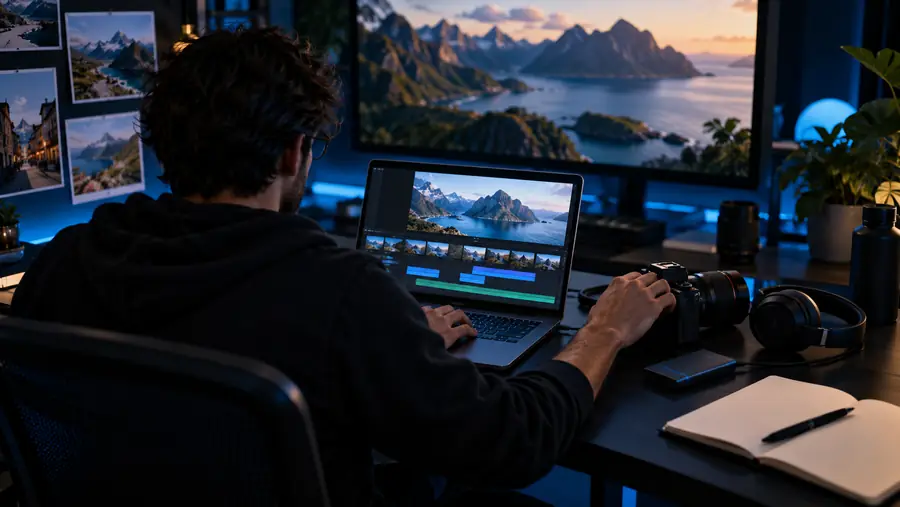
If this movie maker review windows 10 question led you here because you need to make a video now, start with a small project and check its finished output. Movie Maker's retired Microsoft editor is not what this site's button downloads; the button opens a separate video product.
Explore video creationIts straightforward clip-ordering and trimming workflow can help a beginner understand basic editing. Because Microsoft discontinued Windows Movie Maker, ease of use should be weighed against the lack of ongoing support.
An existing installation may run on some PCs, but results depend on that installation and the media you use. Make a short test project and check the exported file before relying on it.
The central drawback is that the classic Microsoft program is retired, not merely that its editing controls are basic. A third-party download using its name does not restore official support.
For a project you expect to revisit, a maintained editor is the safer long-term choice. Keep original footage separate and test the new tool with a short sample before moving the full edit.