Professional Video Maker
Think through your clips, transitions, images, and captions before bringing them together into a story.
Give your next video an idea to start with.
Planning a movie on a Windows device? Start with the moments you want to share, then check the creation tool for its current device and browser options.
Explore movie creation
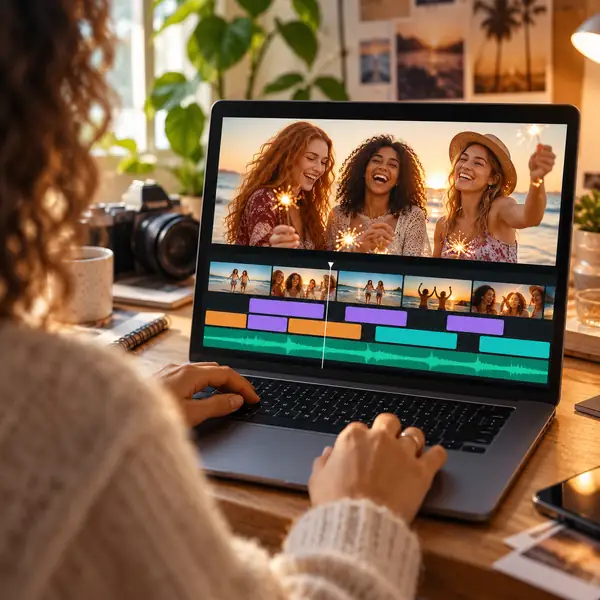
A good movie begins with a clear idea. Gather your clips, decide what matters most, and find a video workflow that suits the story you want to tell.
Start a movieFrom the first idea to the final sequence, every story starts somewhere.
Turn your favorite moments into a video worth revisiting.
Whether it's a family video, school project, product showcase, vlog, or content for YouTube, TikTok or Instagram, a little planning makes video creation feel simpler.
Think through your clips, transitions, images, and captions before bringing them together into a story.
Choose a simple starting point and focus on the moments your audience will remember.
New ideas and thoughtful feedback can help every creative workflow get better over time.
Explore approaches to sound, imagery, and pacing as you shape your next video.
Arrange photos and video clips into a story: think about cuts, order, and the best moments to keep.
Consider music or a voice-over that complements the mood of your video.
Use titles and short captions to give viewers context without crowding the picture.
Let a fade or a change of pace help one moment flow into the next.
Select photographs that look good together and support the story's visual rhythm.
Pay attention to speech, music, and quiet moments so each can be heard clearly.
Choose an output suited to where your finished video will be watched.
Check your source files and the available format options before you begin.
Plan for the device and destination where your video will have the most impact.
Explore additional ways to give your video its own look.
Keep your footage, ideas, and next steps organized.
Find a practical approach to the small edits your story needs.
Consider the picture quality you need for your audience.
Use visual details with intention rather than letting them overwhelm the story.
A clear story idea can make even an everyday clip feel memorable.

Begin with a few favorite moments and build your video one scene at a time.

Describe what you have in mind, then review the creation tool's available options.
(Creative ideas)
Animated words, thoughtfully placed overlays, and a more deliberate pace can bring a familiar collection of clips to life. Try describing the effect you want before you begin.
Create a video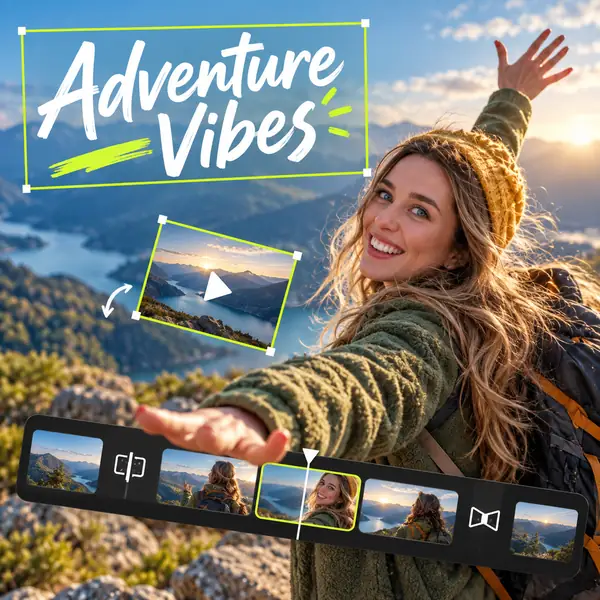
A movie-making workflow at a glance
| Plan your movie | Bring it together | |
|---|---|---|
| Basic video editing (trim, join) | Choose your best clips | Check available editing tools |
| Output video quality | Know your destination | Review output options |
| Photos and video clips | Gather favorite moments | Arrange them into a story |
| Screen footage | Decide what to show | Check capture options |
| Background music | Choose a mood | Match sound to the scene |
| Text captions | Write the essentials | Keep words easy to read |
| Photo overlays | Pick supporting images | Consider their placement |
| Photo transitions | Find a natural flow | Use transitions sparingly |
| Photo editing | Select your images | Check framing and color |
| Image ideas | Describe the look | Review creative options |
| Video transitions | Mark scene changes | Keep the pacing natural |
| Video visual effects | Choose a visual direction | Let the story lead |
| Color grading | Collect visual references | Aim for a consistent feel |
| Audio volume | Identify important sounds | Keep dialogue clear |
| Music editing | Find the right passage | Match it to the ending |
| Fast or slow motion | Identify a key moment | Consider its pace |
| Manage projects | Keep your materials together | Review before sharing |