Channel ideas
Turn youtube movie maker examples into a video plan
A pile of clips is not yet a story. Start with the viewer’s question, choose a simple sequence, and use a movie maker to draft a video that answers it without losing the moments that matter.
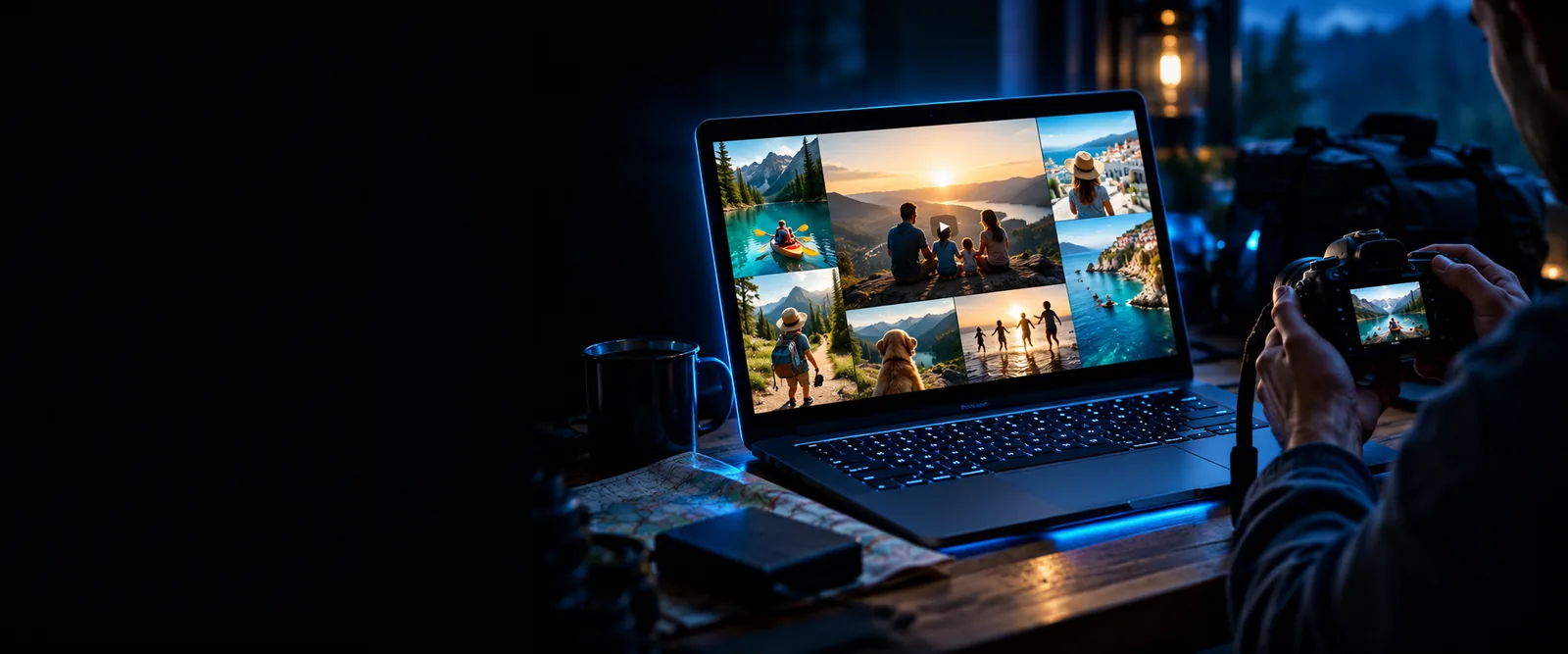
Picture the output before you start
These are illustrative video plans, not claims about finished files or a particular movie maker’s export settings. Pick the column that fits the story your YouTube audience came to see.
Travel recap example
Product demo example
Opening
Travel recap example
Show the destination, then pose a question about the trip.
Product demo example
Show the product in use, then name the problem it solves.
Footage to gather
Travel recap example
Arrival, three distinct stops, and a final view.
Product demo example
A clear setup shot, close-ups, and a real-use sequence.
Story order
Travel recap example
Arrival, highlights, practical tip, closing reflection.
Product demo example
Problem, demonstration, visible result, honest limitation.
On-screen text
Travel recap example
Place names and brief context for each stop.
Product demo example
Step names and concise descriptions of what changes.
Sound
Travel recap example
Narration for context, with location sound where useful.
Product demo example
Clear spoken explanation and audible product sounds.
Final check
Travel recap example
Confirm location details and permission to show recognizable people.
Product demo example
Verify every claim and disclose a relevant brand relationship.
Three workflows
Build a repeatable YouTube story
Each movie maker workflow starts with material you can identify and a result you can review. The images illustrate the scenario; the steps are a planning guide, not a promise of specific product controls.
-
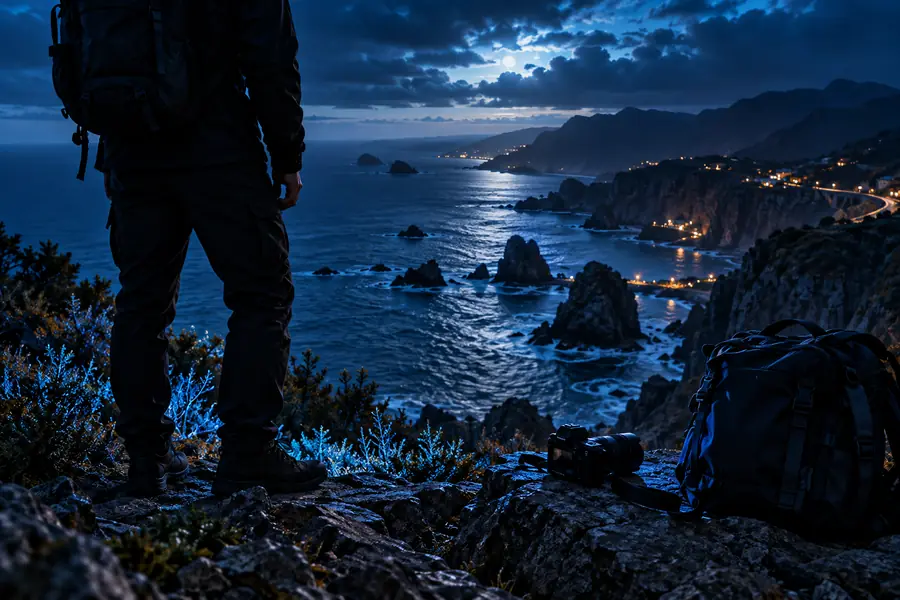 Travel
Turn a trip into a useful recap
Choose a single question, such as whether a weekend route is worth taking. Put the arrival first, arrange the stops in the order a visitor would encounter them, and close with one tip you learned. This gives a YouTube viewer a reason to stay beyond the scenery.
Draft a travel recap- Select clips that establish the place and show different moments.
- Write a short narration that connects the stops without repeating what is visible.
- Review the draft for unclear transitions, location details, and people who may need to be cropped or asked for permission.
-
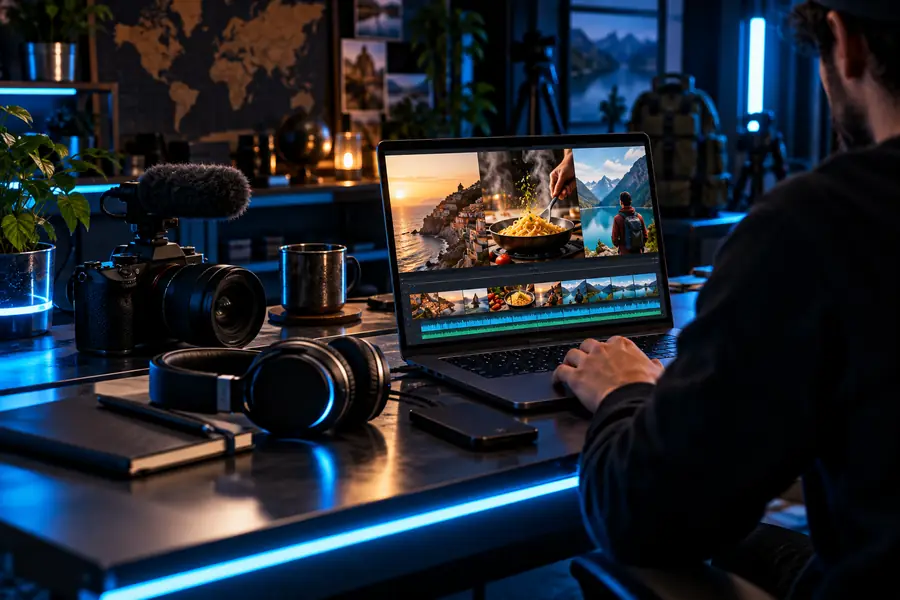 Product
Make a demonstration viewers can follow
Start with the product doing its job rather than a long introduction. Then show the setup, the action, and the result in that order. A movie maker can help you assemble the sequence, but the footage must support what the narration claims. Keep a genuine drawback if it helps the viewer decide.
Draft a product demo- Film the actual use case from angles that reveal the important action.
- Draft captions that explain steps rather than exaggerate benefits.
- Check that the result is visible and any sponsorship is disclosed.
-
 Personal
Share a personal milestone with context
A birthday or family montage works best when viewers understand whose story they are watching. Open with a date or short introduction, group clips into meaningful moments, and finish with a message from the people involved. Before posting to YouTube, decide together which private scenes should stay offline.
Draft a milestone video- Ask contributors which photos and clips they are comfortable sharing.
- Order selected moments around a simple beginning, middle, and ending.
- Watch the full draft for names, addresses, and other private details.
Move from outline to watchable draft
The same sequence works whether your movie maker project is a recap, demonstration, or channel update.
-
1
Name the viewer’s question
Write one sentence about what someone should understand by the end. Use it to leave out clips that look good but interrupt the answer.
-
2
Arrange proof before polish
Place the opening, supporting moments, and ending in order. If a claim needs a shot you do not have, revise the claim or capture the missing footage.
-
3
Watch without stopping
Play the draft as a new viewer would. Note where context disappears, speech becomes hard to follow, or a scene lasts longer than its point.
Publishing checks
Check the details before you publish
A movie maker draft is only one part of a YouTube upload. Review the version your audience will actually see, including text, sound, and any material supplied by others.
Keep the point visible early
For a brief vertical story, check that the opening identifies the subject without depending on a lengthy description. Preview the draft on a phone and make sure text does not cover the action. A strong hook should still describe what the video truly delivers.
- Confirm framing and readable captions in a phone preview.
- Remove unrelated clips that delay the main point.
- Use music and footage you have permission to publish.
Make every section earn its place
A longer YouTube video needs transitions that tell viewers why the next scene matters. Check spoken names, dates, and claims against your source material. If you use someone else’s clips, photos, or music, obtain the appropriate rights rather than assuming a credit line is sufficient.
- Check the story order after viewing the entire draft.
- Balance narration against music and background sound.
- Review third-party media rights before uploading.
Protect trust and privacy
Product claims should reflect what the footage demonstrates, and relevant paid relationships should be disclosed. For family videos, ask before publishing identifiable footage, especially of children. A movie maker can assemble a warm sequence, but publishing it is a separate decision.
- Verify demonstrations and disclose relevant partnerships.
- Remove private information visible in the background.
- Confirm consent for recognizable people and shared footage.
Give your next video a clear starting point
Start with the story, then make the draft
Pick one workflow, describe the footage you have, and turn your idea into a sequence you can review before it reaches YouTube.
Create video draft- Lead with the viewer’s question
- Check claims, rights, and privacy
- Review the full draft before publishing
YouTube video example questions
A travel recap, a real product demonstration, or a short channel introduction each has a clear beginning and an obvious reason for viewers to watch. Choose the one you can support with footage you already have, then write the ending before assembling the middle.
Yes, a photo-led recap can tell a coherent story if the images follow a purposeful order and have enough context. Check permission for photos supplied by others, and avoid implying that a still image shows an action it does not.
Use a short format when one moment or tip answers the viewer’s question. Choose a longer recap when the audience needs setup, several supporting scenes, and an explanation of the result. Preview either format on the device your viewers are likely to use.
Do not assume that a song is cleared just because it appears in other videos. Use music for which you have the necessary publishing rights, and check its terms for your intended use before adding it to the draft.